How to Turn One Blog Post into 10 Social Media Posts (Content Repurposing Guide)
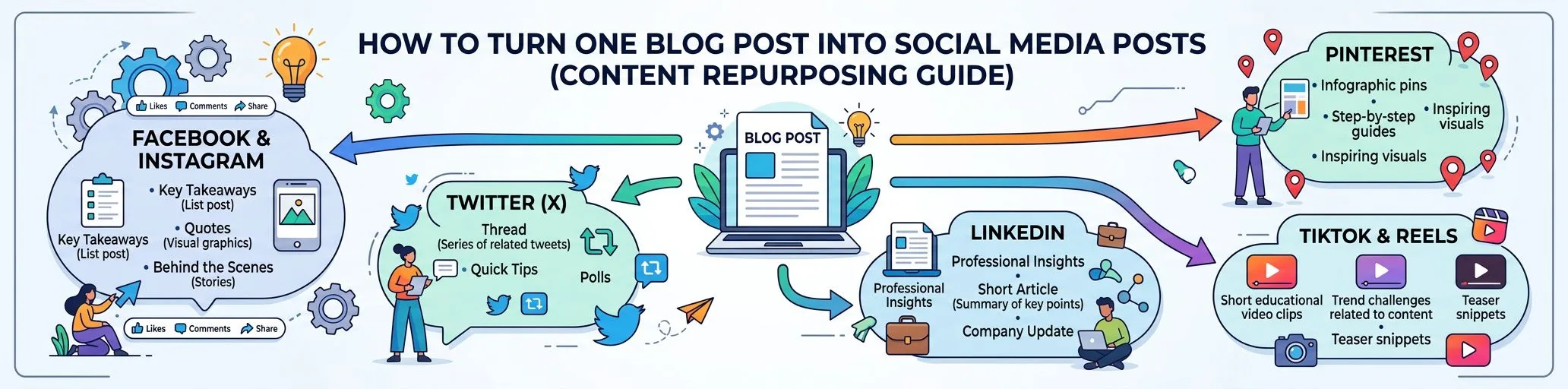
You spent hours getting a blog post researched, written, and published — and then shared one link on X and moved on. That’s the most common content marketing mistake in 2026. A single good article contains material for 10 or more social posts across formats and platforms. This guide gives you the exact repurposing map, per-platform formats, and how to automate the whole thing so repurposing takes minutes instead of a day.
Why Repurposing Beats Creating from Scratch
- The research is already done. The article contains validated ideas, structure, and proof points.
- Each platform rewards native formats. A link post gets throttled; a carousel or short video gets reach.
- Repetition builds recognition. Most followers miss any single post; repurposing means your best ideas actually get seen.
- SEO and social compound. Social distribution drives early engagement signals and referral traffic to the article.
The 10-Post Repurposing Map
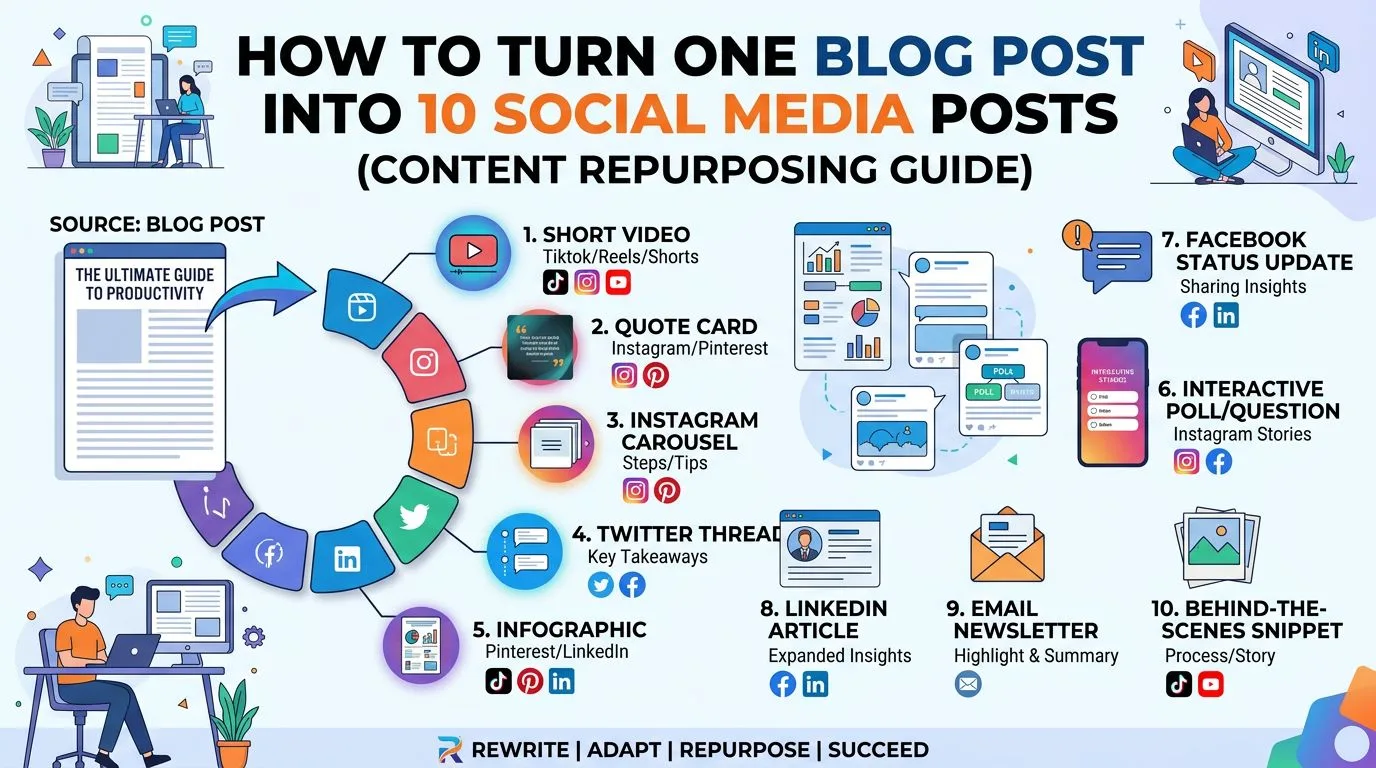
Here’s how one 1,500-word article breaks down:
| # | Format | Source material | Best platforms |
|---|---|---|---|
| 1 | Carousel (5–10 slides) | H2 subheadings → one slide each | Instagram, LinkedIn |
| 2 | Short video (30–60s) | Article summary as script | TikTok, Reels, YouTube Shorts |
| 3 | Key stat/quote graphic | Best statistic or one-liner | X, Threads, Pinterest |
| 4 | Text thread | Intro + one point per post | X, Threads, Bluesky |
| 5 | Listicle post | “5 takeaways from…” | LinkedIn, Facebook |
| 6 | Question post | The FAQ section | LinkedIn, Facebook groups, Reddit |
| 7 | Before/after or mistake post | “Common mistakes” section | Instagram, LinkedIn |
| 8 | Poll | Any point with two valid sides | LinkedIn, X |
| 9 | Link post with hook | Meta description rewritten as a hook | Facebook, Telegram, Discord |
| 10 | Pin / infographic | The article’s main framework or table | Pinterest, Google Business |
One article → two weeks of social content, each piece native to its platform.
Format Deep-Dives
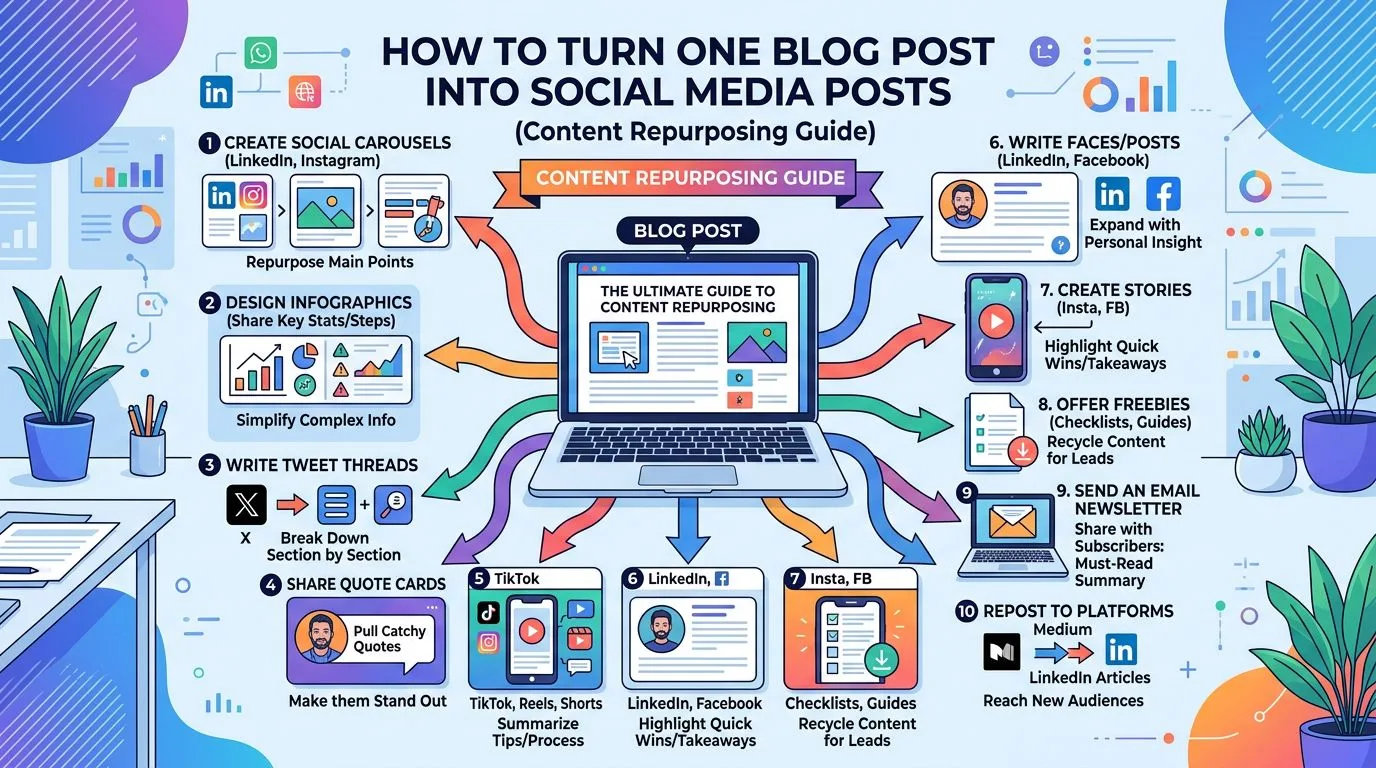
Carousels: the highest-ROI format
Carousels consistently earn top engagement on Instagram and LinkedIn because each swipe is an engagement signal. The anatomy that works:
- Slide 1 — hook: a bold claim or question from your article’s intro (this slide decides everything)
- Slides 2–8 — one idea per slide: your H2s, rewritten to ~15 words each
- Last slide — CTA: read the full article, follow, or save
Keep branding consistent: same fonts, colors, logo, and handle on every carousel. This is exactly what brand presets automate — set your identity once, and every carousel comes out on-brand.
Format matters too: portrait 4:5 (1080×1350) claims the most feed real estate on Instagram, Facebook, and LinkedIn; keep square 1:1 for X and mixed-platform reuse; 9:16 is for Stories, Reels, TikTok, and Shorts, not the feed.
Short videos without filming
A 30–60 second script generated from the article + branded slides with transitions + a music track = a publishable short video, no camera required. It won’t replace personality-driven video, but for topic-driven niches it reliably earns discovery-feed reach on TikTok, Reels, and Shorts.
Threads and text posts
Take the article intro as the hook post, then one post per H2, then a closing post linking the article. Rewrite for the platform voice — a LinkedIn version and an X version of the same thread should not read identically.
Automating the Pipeline
Manual repurposing for 15 platforms is a part-time job — which is why most people never do it, and why classic social schedulers don’t solve it either: they start only after the content exists. The automated version, as implemented in SEO Content Architect:
- Article → Social Studio. Point it at any published article, URL, or topic. It generates branded carousels and short-form videos in seconds — templates, color palettes, fonts, backgrounds, audio, and slide transitions included. Every asset comes out in the right native format: portrait 4:5 (1080×1350) for Instagram, Facebook, and LinkedIn feeds, square 1:1 (1080×1080), story 9:16 (1080×1920) for Reels, TikTok, and YouTube Shorts, or landscape 16:9 (1920×1080) for YouTube and X — or let Auto pick the format per destination. Export PNG/ZIP/MP4, or send straight to distribution.
- AI writes the post copy. Title, post text, hashtags, and a first comment — one clean set generated from the article or the carousel, shared across all networks (adapt the voice per platform in the editor when it matters). It also writes descriptive alt text for every slide, so carousels ship accessible by default — a discoverability and accessibility box most manual workflows never tick.
- Distribution Hub schedules everywhere. Compose once, schedule across 15 platforms — Instagram, TikTok, X/Twitter, Facebook, LinkedIn, YouTube, Threads, Pinterest, Reddit, Bluesky, Telegram, Discord, Snapchat, WhatsApp, and Google Business — from a visual content calendar, with unified analytics tracking what works.
The whole flow — article to 10 scheduled native posts — takes minutes. And because the same app generates and publishes the articles in the first place, the pipeline is end-to-end: idea → article → WordPress → social.
Scheduling Strategy
- Stagger, don’t blast. Spread the 10 posts over 10–14 days; repost top performers after 60–90 days.
- Lead with value, link later. Native content (carousel, video, thread) early in the sequence; link posts after the topic has warmed up.
- Track per-platform. Unified analytics shows where your niche actually engages — most brands discover 2–3 platforms drive 80% of results and double down there.
FAQ
How many social media posts can you get from one blog post? A single 1,500-word article realistically yields 10 or more platform-native posts: a carousel, a short video, a text thread, a quote graphic, a listicle, a question post, a poll, a link post, and a pin — see the repurposing map above.
How long does automated repurposing take? With an article-to-social pipeline: ~5–10 minutes per article to generate, review, and schedule the full set.
Which platforms should I prioritize? Where your audience is: B2B/SEO niches → LinkedIn + X; visual/lifestyle → Instagram + TikTok + Pinterest; communities → Reddit + Facebook groups (with genuine participation, not drive-by links).
Do I need design skills for carousels? No — template-based generation with brand presets produces consistent, professional output; see the carousel anatomy section above for what makes a scroll-stopping design.
Turn every article into a social campaign: SEO Content Architect includes Social Studio (carousels + videos) and a 15-platform Distribution Hub. Get it on the Microsoft Store — 15-day trial included.