The Complete Guide to Automating a WordPress Blog from Scratch (2026)
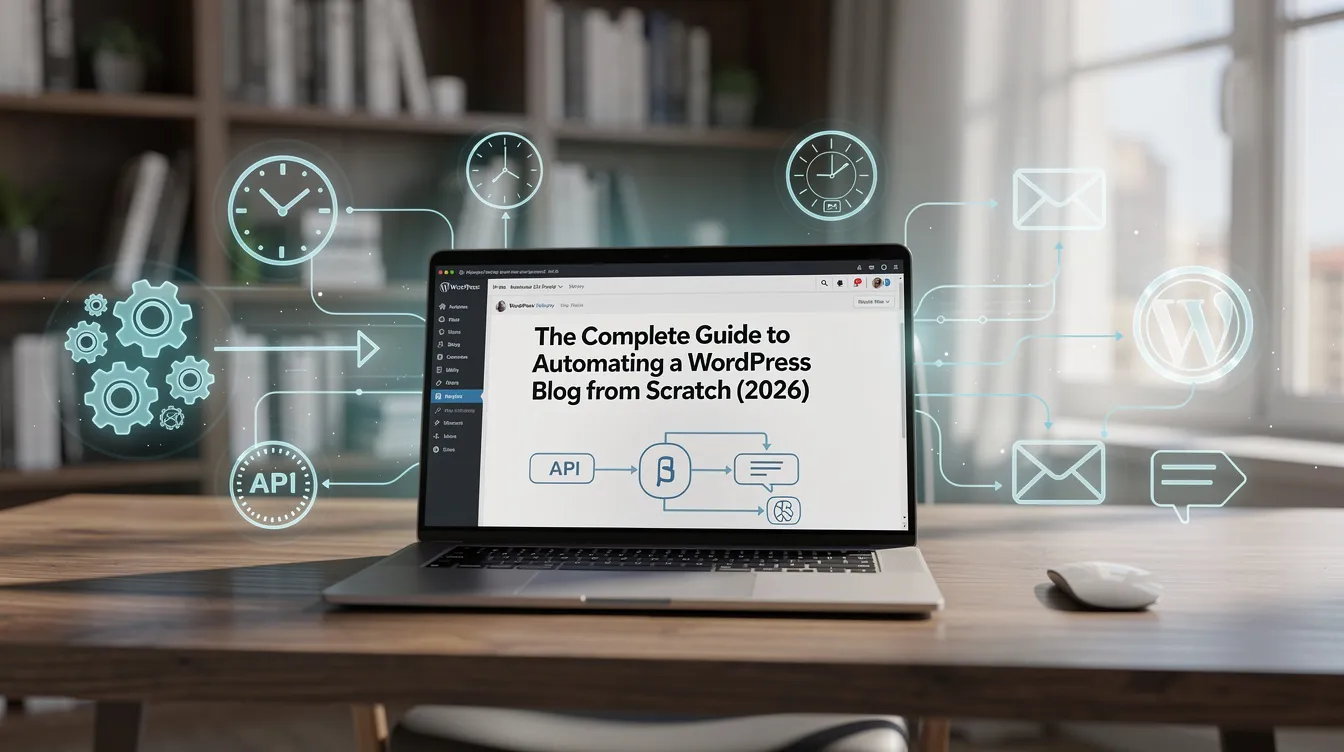
A fully automated WordPress blog — one that researches topics, writes SEO articles, illustrates them, publishes on a schedule, and repurposes everything for social media — is no longer a developer-only project. This guide walks through the entire setup, from an empty WordPress install to a content pipeline that runs while you sleep, and covers the guardrails that keep automated content from becoming spam.
What “WordPress Content Automation” Actually Means
Full automation covers five stages:
- Topic sourcing — where article ideas come from (RSS, Google News, trends, keyword lists)
- Generation — AI writes the SEO article (structure, keywords, meta tags, FAQ)
- Illustration — featured and in-article images created automatically
- Publishing — the article lands in WordPress via the REST API, on a schedule
- Distribution — the article becomes social posts, carousels, and videos
Most AI tools for WordPress automate one or two stages. The setup below automates all five from a single desktop app — no server load on your WordPress hosting, because everything runs locally on your PC.
Prerequisites
- A WordPress site (any host) with the REST API enabled — that’s the default on every modern install
- An Application Password for your WordPress user (Users → Profile → Application Passwords)
- At least one AI provider API key: Google Gemini, OpenAI, Anthropic Claude, or OpenRouter (one key, hundreds of models)
- Optionally, an SEO plugin: Yoast SEO, SEOPress, or SiteSEO
This is the BYOK (bring your own key) model: you pay your AI provider directly for actual usage — typically cents per article — instead of a SaaS markup. See the full cost math in what an AI article really costs.
Step 1: Connect WordPress (5 minutes)
In SEO Content Architect, add your site URL, username, and application password. The app talks to WordPress through the standard REST API — no theme edits, no heavyweight plugin that slows your site down. For meta title and meta description to be written directly into Yoast/SEOPress/SiteSEO fields, install the free bundled SEO Architect Helper plugin (it has a one-click connection test).
Multi-site tip: agencies and niche-site builders can connect unlimited sites and switch targets per article or per automation rule.
Step 2: Set Up Automated Topic Sources
A blog that writes itself needs a steady stream of ideas. Configure sources that match your niche:
| Source type | Best for |
|---|---|
| RSS feeds | Following competitors and industry news |
| Google News / NewsAPI / Bing News | Timely coverage in any niche |
| GitHub Trending / Hugging Face | Tech and AI niches |
| Trend indexes | Catching rising topics early |
| Keyword lists (manual or AI-researched) | Evergreen SEO content |
| Custom JSON/API endpoints | Programmatic and data-driven sites |
Each source item becomes a candidate topic. The pipeline can rewrite, expand, and localize — never copy — the source material.
Step 3: Configure Article Generation for SEO
The generation settings determine whether your automated content ranks or flops:
- Keyword research first — AI keyword research with Perplexity Sonar pulls main keywords, long-tail variations, and semantic NLP phrases into the prompt automatically
- Structured output — H2/H3 hierarchy, FAQ section, tables where useful, meta title & description
- High Quality Mode + word count targets — control depth per topic type (a news brief ≠ a pillar guide)
- Model choice per task — see which AI model writes best
- YouTube auto-embedding — relevant videos inserted automatically improve time-on-page
- Language — 50+ languages supported, so one pipeline can feed localized sites
Internal linking on autopilot
Every generated article should link to your existing published posts. Automated internal linking scans your archive and inserts contextual links as new content is created — this is how large sites keep crawlability and topical authority as they grow past a few hundred posts.
Duplicate prevention
Before an automated pipeline publishes anything, it should check title similarity and content overlap against what’s already live. This single guardrail prevents the keyword cannibalization that kills most auto-blogs.
Step 4: Illustrations Without a Designer
Each article gets a featured image and in-article images automatically, from whichever provider fits your budget and style: DALL-E, Gemini, any image model on OpenRouter or Replicate (FLUX, Stable Diffusion…), or curated stock photos from Pexels.
Step 5: Schedule Auto Posting
This is where the blog starts writing itself. Define rules like:
Every Monday, Wednesday, Friday at 09:00 → pick the top item from my topic sources → generate a 1,500-word article with images → publish to site X as scheduled post.
Start with drafts instead of instant publishing for the first two weeks. Review what the pipeline produces, tune the prompts and settings, then flip to fully automatic once you trust the output. This review loop is also what keeps you on the right side of Google’s AI content policies.
Need volume for a new site? The Bulk Engine generates batches of articles in one click — useful for launching a niche site with 30–50 foundational posts.
Step 6: Repurpose Every Article for Social
An automated blog that stops at publishing leaves most of its traffic on the table. Turn each article into 10+ social media posts: branded carousels, short videos, and scheduled posts across Instagram, TikTok, X, LinkedIn, Facebook, Pinterest, and 9 more platforms — generated from the article itself.
Realistic Expectations & Costs
- Time to set up: 1–2 hours for the full pipeline
- Ongoing time: 1–3 hours/week for review and tuning (recommended)
- Cost per article: typically $0.01–$0.30 in API usage depending on model and length — your keys, your rates, no markup
- Results: organic traffic follows the same rules as manual content — quality, consistency, internal linking, and patience (3–6 months for a new domain)
A real-world reference: en.ns5.club is a review site built entirely with this pipeline.
FAQ
Will automated posting hurt my SEO? No — Google doesn’t care how content is published, only whether it’s helpful. The risk is unreviewed low-quality content, not automation itself.
Do I need a VPS or server? No. A desktop app runs the entire pipeline locally on Windows and pushes to WordPress over the REST API. Your hosting does zero extra work.
Can I automate multiple sites? Yes — unlimited sites on the Premium plan, each with its own sources, schedule, and settings.
What’s free? Article generation and editing are free forever in SEO Content Architect; publishing automation, Bulk Engine, Auto Posting, and Social Studio are Premium (15-day free trial included).
Ready to build your pipeline? Download SEO Content Architect from the Microsoft Store — or start with the 10-minute first-article tutorial.