SEO Content Architect Blog

Build your own automated blog with SEO Content Architect — AI writing, images, and WordPress publishing on autopilot.

SEO Analysis: How to Reverse-Engineer Google's Top-Ranking Pages Before You Write

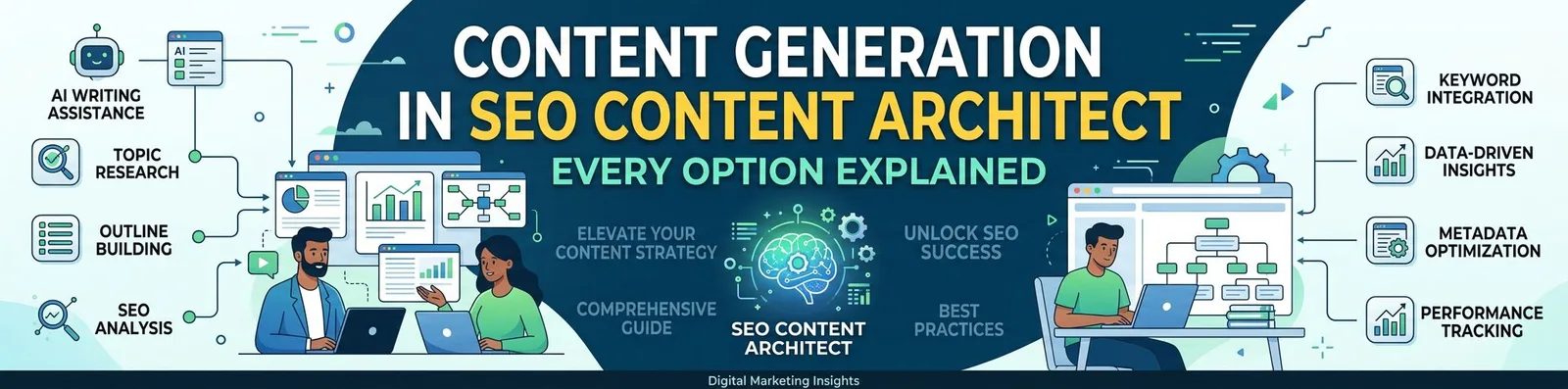
Most AI articles are written blind. You pick a keyword, generate 1,500 words, publish — and hope it’s enough. But the pages already ranking on Google have quietly told you exactly what “enough” looks like: how long the article should be, which terms it must cover, which questions to answer, and how many headings and images the winners use. The new SEO Analysis page in SEO Content Architect reads that signal for you. It crawls the current top-ranking pages for any keyword and turns them into concrete, copy-ready targets — then feeds those targets straight into article generation.

Cheap, Balanced, or Premium: How to Set Up AI Models in SEO Content Architect for Any Budget

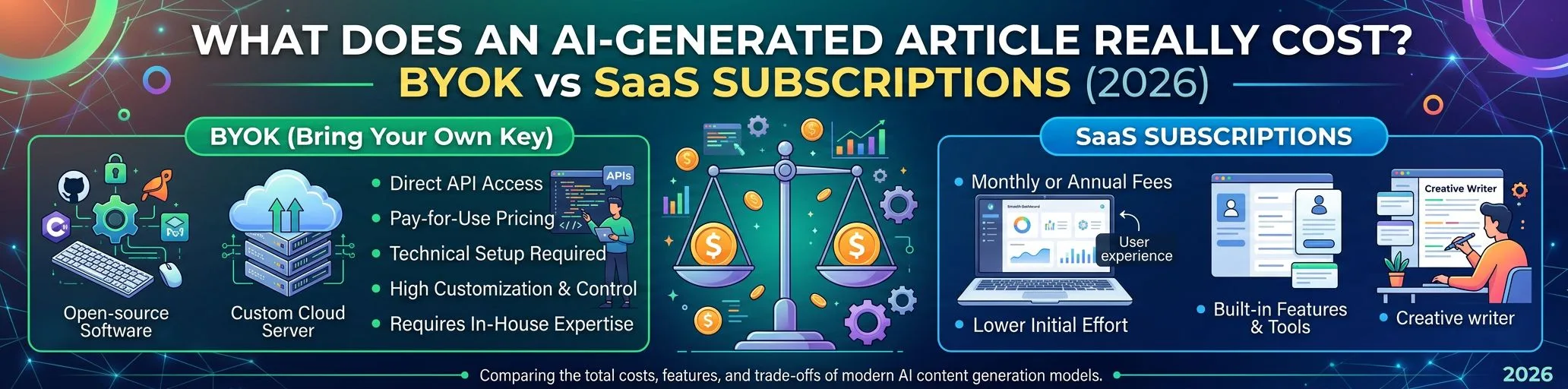
Because SEO Content Architect is a BYOK (bring-your-own-key) app, you don’t buy a fixed “quality tier” — you dial cost against quality yourself, per article, by choosing which text and image models run the job. The same pipeline can produce an article for a few cents or for $1–2, and the difference is entirely which models you point it at. This guide gives you three ready-made setups — Budget, Balanced, and Premium — so you can match every article to what it’s actually worth.

How to Write SEO Articles with AI Without Getting Penalized by Google

AI-generated content is everywhere in 2026 — and so is the fear of Google penalties. The good news: you can write SEO articles with AI without getting penalized, because Google does not penalize content for being written with AI. It penalizes content that is unhelpful, thin, or created purely to manipulate rankings. In this guide, you’ll learn exactly what Google’s policy says, which mistakes actually get sites deindexed, and a practical workflow for producing AI-assisted articles that rank and keep ranking.

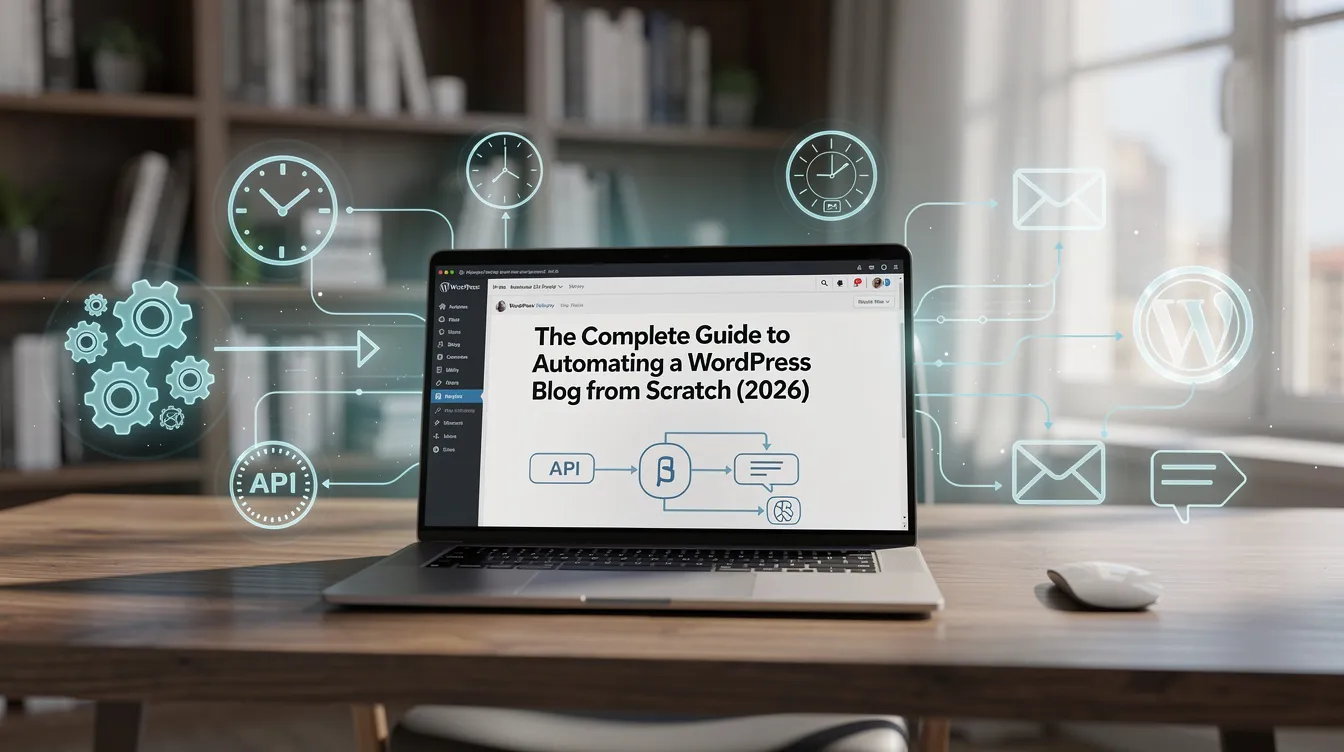
The Complete Guide to Automating a WordPress Blog from Scratch (2026)

A fully automated WordPress blog — one that researches topics, writes SEO articles, illustrates them, publishes on a schedule, and repurposes everything for social media — is no longer a developer-only project. This guide walks through the entire setup, from an empty WordPress install to a content pipeline that runs while you sleep, and covers the guardrails that keep automated content from becoming spam.

What “WordPress Content Automation” Actually Means

Full automation covers five stages:

How to Do Keyword Research with AI: A Practical Guide (Perplexity Sonar Workflow)

Traditional keyword tools show you search volumes from a database. AI-powered keyword research does something different: it reasons about intent, clusters related queries, and surfaces the long-tail and semantic phrases that databases miss — using live web data. This guide shows a practical AI keyword research workflow built on Perplexity Sonar, and how to feed the results directly into your content generation so keywords actually end up in the article.

How to Turn One Blog Post into 10 Social Media Posts (Content Repurposing Guide)

You spent hours getting a blog post researched, written, and published — and then shared one link on X and moved on. That’s the most common content marketing mistake in 2026. A single good article contains material for 10 or more social posts across formats and platforms. This guide gives you the exact repurposing map, per-platform formats, and how to automate the whole thing so repurposing takes minutes instead of a day.